


Stream HBO Content on Android Devices
Overview
HBO GO is a mobile application designed for Android users to access a vast library of television shows, movies, and on-demand sports content. The software enables subscribers to enjoy their favorite HBO programming anytime and anywhere, providing a convenient solution for staying connected to premium entertainment while on the move. It is particularly useful for individuals who rely on public transportation or frequently travel, as it allows uninterrupted viewing during commutes or downtime.
The platform supports over 1,400 titles, including popular series like "Game of Thrones" and "True Blood," giving users broad access to high-quality content. To use HBO GO, users must first create an online account linked to their existing HBO subscription. This ensures content access is restricted to paying subscribers, maintaining the service’s premium status. The app is optimized for Android devices running version 2.1 and higher, with compatibility extended to Android tablets up to version 4.04 (Ice Cream Sandwich).
While the software is designed for mobile viewing, it does not support desktop platforms. The developer did not provide additional system requirements beyond the minimum OS versions. Real-world usage scenarios include watching episodes during commutes, catching up on full seasons via the season pass feature, or building a personalized watchlist for future viewing.
Key Features & Capabilities
- On-Demand Content Library – Access to over 1,400 TV shows, movies, and live sports events, all available through the HBO subscription.
- Watchlist Creation – Users can compile a personalized list of favorite titles for easy access and future viewing.
- Season Pass Feature – Enables automatic downloading of full seasons of preferred TV shows to the device for offline viewing.
- Mobile Streaming – Optimized for Android devices with support for 3G connectivity, allowing streaming on the go.
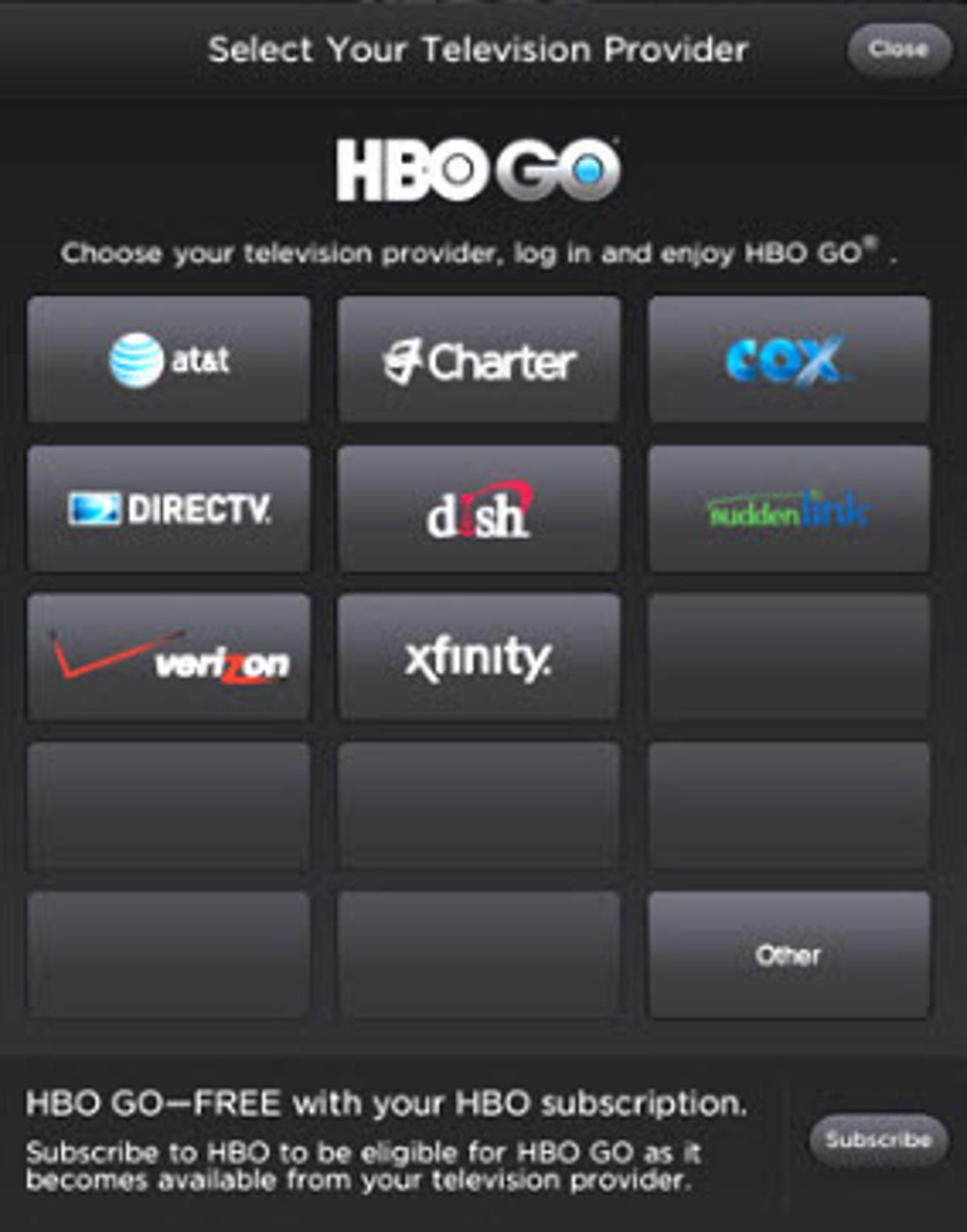
- Account Integration – Requires linking to an existing HBO subscription account for authentication and content access.
These features enhance user engagement by enabling personalized content discovery and flexible viewing options. For example, users can prepare for travel by downloading entire seasons in advance, or quickly locate a specific show using the watchlist. The app’s integration with the HBO ecosystem ensures a consistent experience across devices, though no desktop version is available.
User Interface, Workflow & Performance
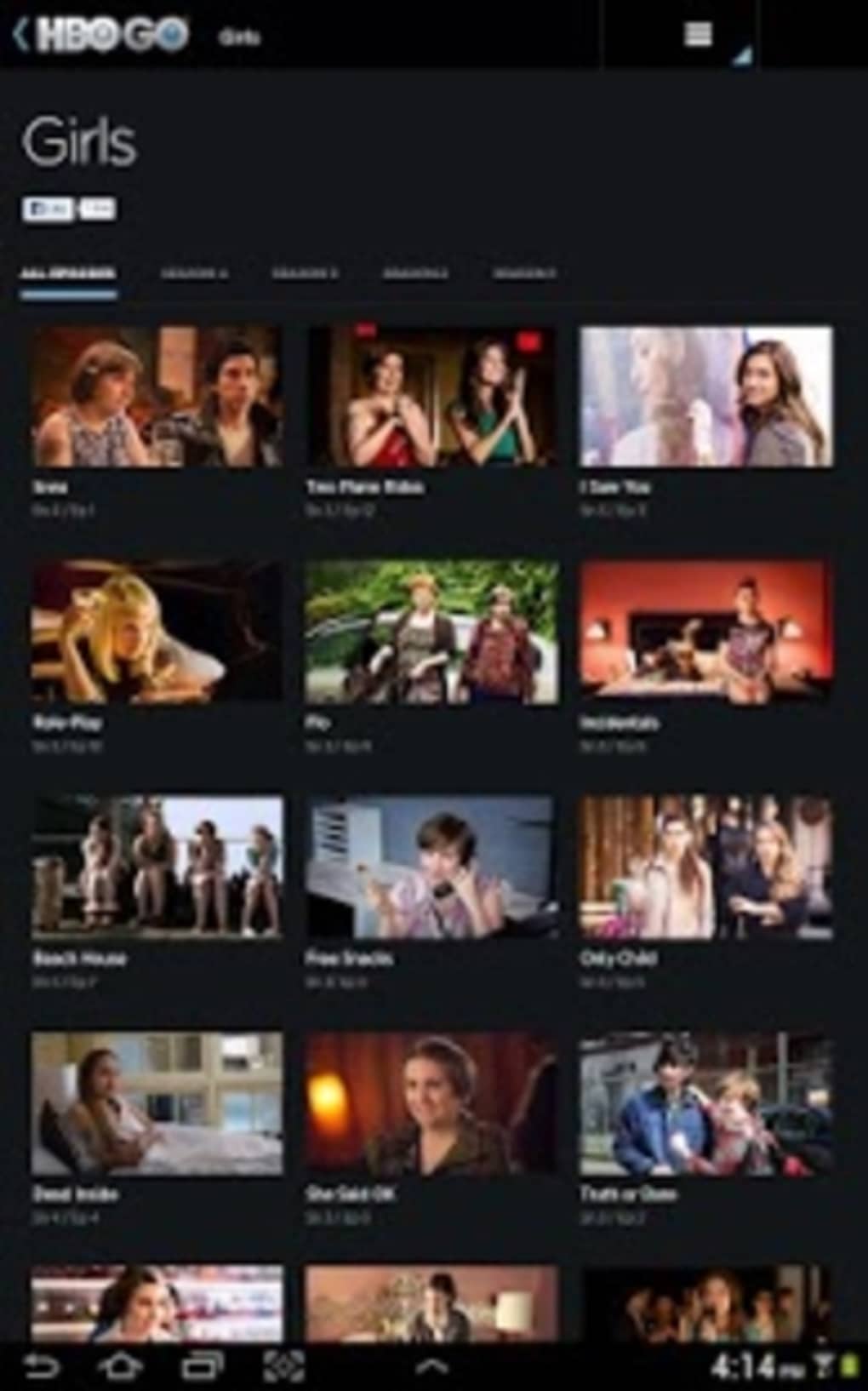
The user interface of HBO GO is designed with simplicity and functionality in mind, focusing on quick navigation between categories such as TV shows, movies, and sports. The layout is intuitive, with large thumbnails and clear labeling, making it easy to browse content. Navigation is primarily touch-based, with swipe gestures and tap actions used to select and play media.
Workflow efficiency is enhanced by features like the watchlist and season pass, which reduce the need for repeated searches. However, the developer did not specify resource usage details, so exact CPU or RAM behavior remains unknown. Performance observations are based on general software behavior patterns. Users may experience buffering or freezing on weak signals, particularly when streaming over 3G, due to network instability.
Stability appears to be consistent across supported devices, as the app has undergone multiple updates for bug fixes and performance improvements. The latest version, 5.4.0, includes enhancements aimed at improving reliability. No user-reported crashes or freezes were documented in the provided information.
Compatibility & System Requirements
HBO GO is compatible with Android devices running version 2.1 or higher. It also supports Android tablets up to version 4.04 (Ice Cream Sandwich). The installation size is 32.2 MB, which is relatively lightweight for a streaming application.
Exact system requirements were not listed, including details on processor speed, RAM, or storage space beyond the minimum OS version. The app relies on a stable internet connection—specifically 3G or Wi-Fi—for streaming content. Data plan charges may apply depending on the user’s mobile provider and plan.
Platform compatibility information is limited to Android platforms. No support for Windows, Mac, or other operating systems was mentioned. The developer did not provide details on hardware acceleration or GPU requirements.
Pros and Cons
Pros
- Free to download and use for HBO subscribers
- Extensive library of over 1,400 titles
- Supports offline viewing via season pass
- Intuitive interface with easy navigation
- Regular updates with performance improvements
Cons
- No desktop or PC software version available
- Requires a stable internet connection for streaming
- May consume significant mobile data, leading to extra charges
- Not compatible with Android versions beyond 4.04
- Streaming quality may degrade on weak signals
FAQ Section
Is HBO GO available for Windows or Mac?
HBO GO is currently only available for Android devices. The developer did not provide information on desktop or Mac compatibility.
Can I use HBO GO without an internet connection?
Yes, but only for content previously downloaded using the season pass feature. Streaming requires an active internet connection.
Is HBO GO free to download?
Yes, the app is free to download and install. However, access to content requires a valid HBO subscription.
Does HBO GO support offline viewing?
Yes, the season pass feature allows users to download full seasons of TV shows for offline viewing.
How often does HBO GO receive updates?
Updates are released periodically to include bug fixes and performance enhancements. The latest version is 5.4.0, released on May 5, 2015.
Final Thoughts
HBO GO delivers a reliable and accessible way for Android users to enjoy premium entertainment content on the go. With its extensive library, intuitive interface, and support for offline viewing, it stands out as a valuable tool for HBO subscribers. While the lack of desktop support and limited Android version compatibility are drawbacks, the app remains a strong choice for mobile viewers.
For users who prioritize flexibility and convenience in their entertainment consumption, HBO GO offers a compelling solution. Its focus on mobile streaming and content personalization makes it ideal for commuters, travelers, and fans of popular series. The app’s free availability and regular updates further enhance its appeal.
Download HBO GO now





.png)

